The Budget App With No Subscription
Free forever, or pay once for lifetime access. No monthly fees, no yearly renewals, no surprises.
Works in your browser, on Android and on Windows. No credit card needed.
What a budgeting subscription really costs
Most popular budget apps charge every year, so the cost keeps growing for as long as you budget. WhizBudget is free forever, and the Lifetime upgrade is a single payment.
| App | Price | 1 year | 3 years | 5 years |
|---|---|---|---|---|
| YNAB | $109 / year | $109 | $327 | $545 |
| Monarch Money | $99.99 / year | $99.99 | $299.97 | $499.95 |
| EveryDollar Premium | $79.99 / year | $79.99 | $239.97 | $399.95 |
| WhizBudget Lifetime | €19.99 once | €19.99 | €19.99 | €19.99 |
| WhizBudget Free | €0 | €0 | €0 | €0 |
Annual-plan prices in US dollars as listed in November 2026; paying monthly costs more. These apps connect to your bank automatically, while WhizBudget uses quick manual entry. Prices change, so check each provider's website. For a fuller comparison, see the best budgeting apps vs spreadsheets.
Free stays free. Or pay once.
No trial clock and no card needed to start. Upgrade only if you need more.
Free €0
Free forever
- Up to 2 regular accounts
- Up to 8 expense categories and 1 income category
- Unlimited transactions
- Monthly budgets and sinking funds
- Multi-currency and monthly overview
- 6 months of history
- Savings and debt accounts
- Data export
Lifetime €19.99
One payment, no subscription
- Unlimited regular, savings and debt accounts
- Unlimited expense and income categories
- Unlimited transactions
- Monthly budgets and sinking funds
- Multi-currency and monthly overview
- Your full history, forever
- Data export
- Direct developer support and all future updates
How it works
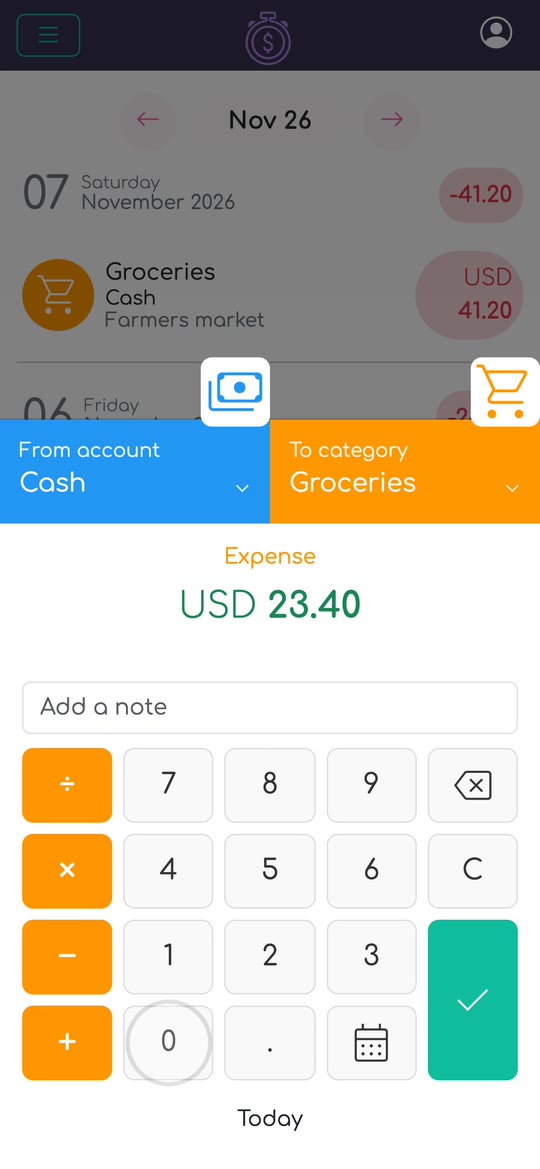
1Add what you spend
Tap +, pick a category and type the amount. The built-in calculator even adds up a receipt for you.
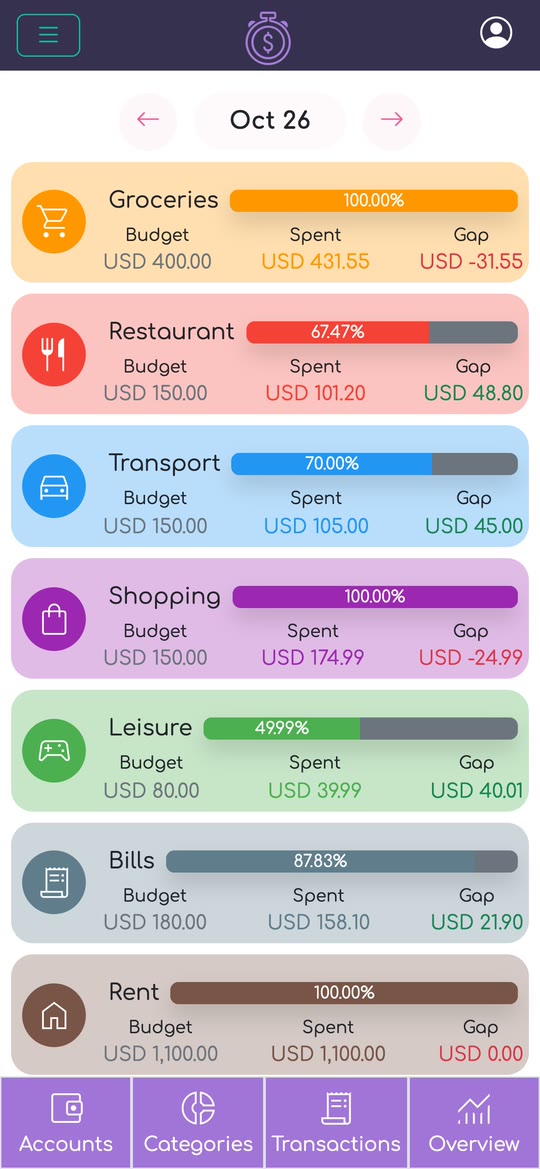
2Set your budgets
Give each category a monthly limit and see at a glance where you are close to it, or over.
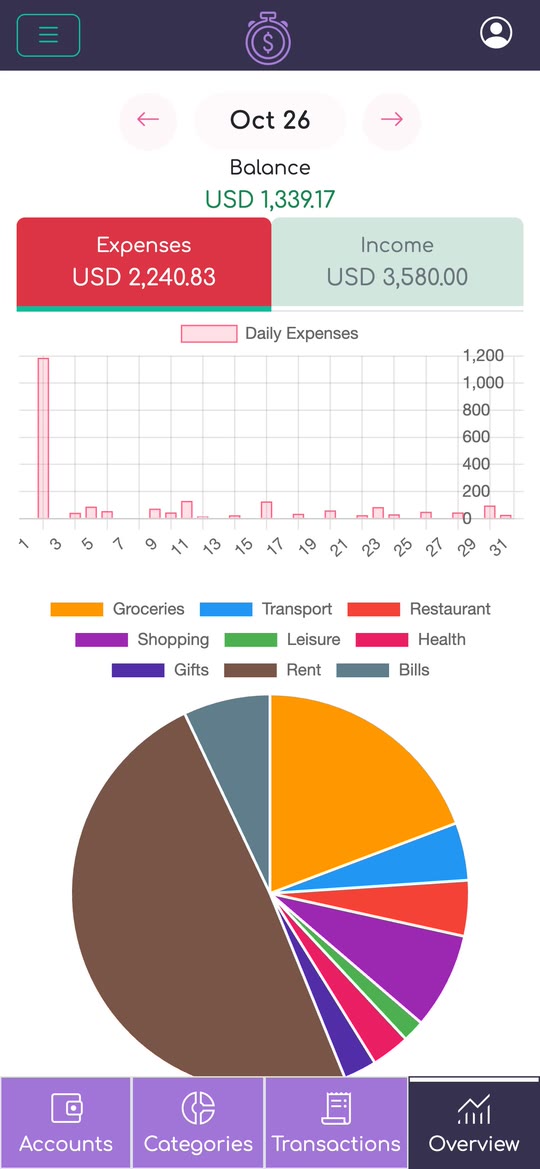
3See the whole month
Income, spending and balance in one view, with charts by category and by day.
New to budgeting? Read Getting started with WhizBudget.
WhizBudget is a good fit if you…
- don't want another monthly subscription
- prefer not to give an app your bank login
- want to notice your spending by logging it yourself
- use cash or several currencies
- want budgets and sinking funds without a learning curve
It may not be for you if…
- you want transactions imported from your bank automatically
- you need investment or net-worth tracking across brokers
Not sure? See manual vs automated expense tracking.
Frequently asked questions
Start budgeting free, without a subscription
Set up your first budget in minutes. Upgrade once only if you need more.
Free tools: emergency fund calculator · debt payoff calculator · budgeting guides